


LiveKit voice agent tracing
Trace LiveKit voice agent sessions in PromptLayer. Capture every STT → LLM → TTS turn with full cost and latency — debug conversations turn by turn.
LiveKit Integration
Trace every LiveKit run
Full span traces
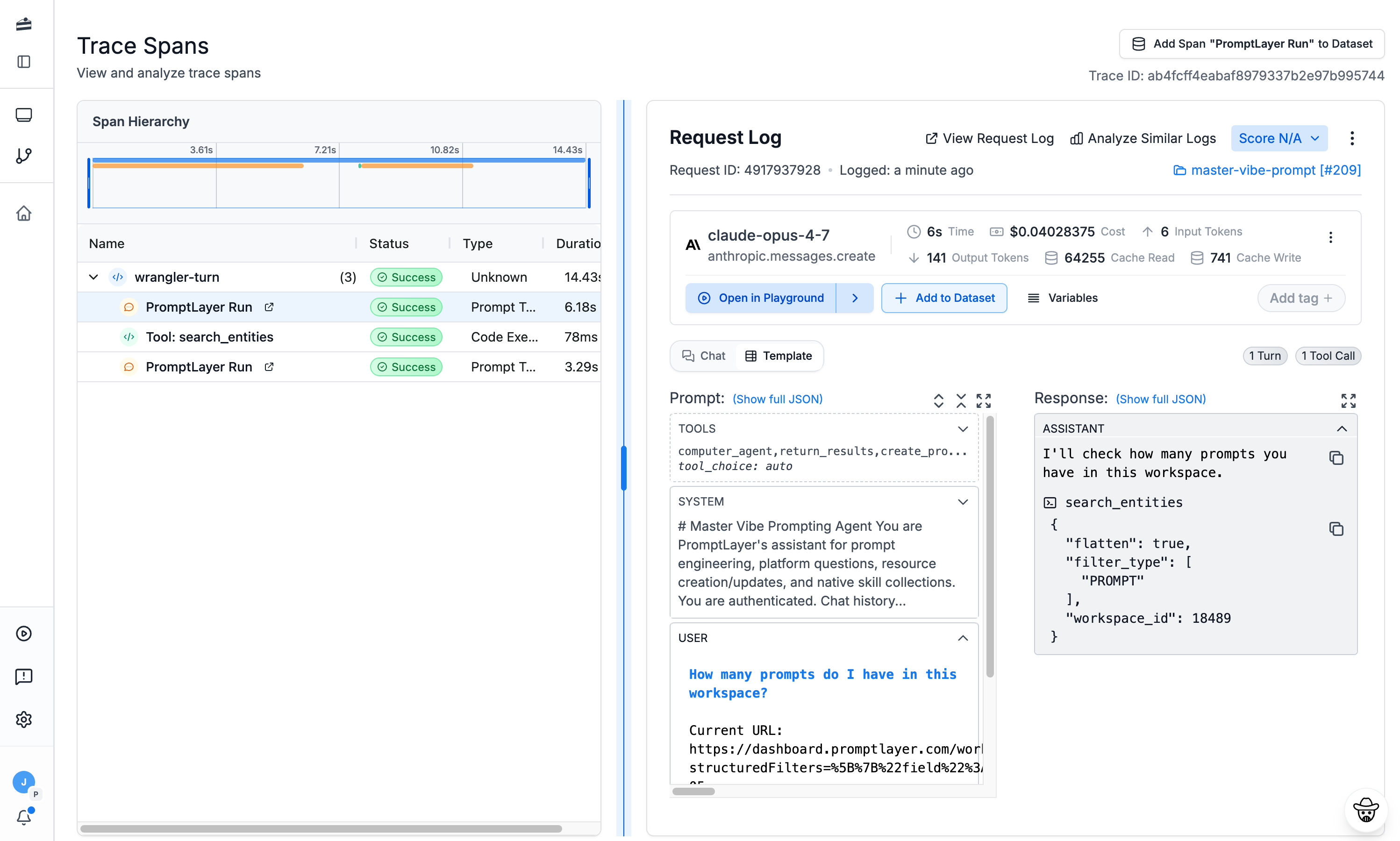
See the complete execution tree of every LiveKit run — nested spans, tool calls, and LLM requests on one timeline.
Cost & latency analytics
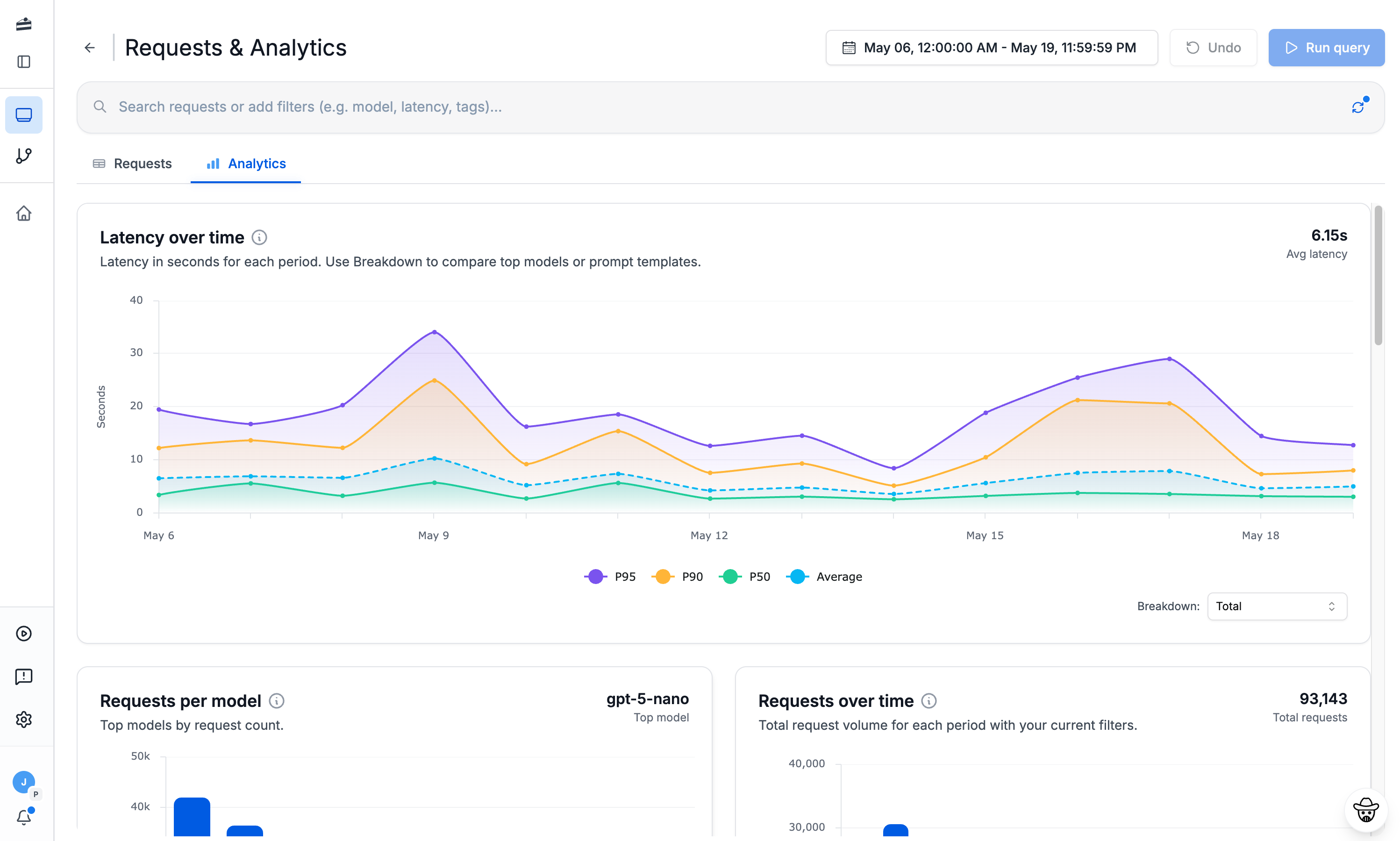
Track token usage, cost, and latency for every LiveKit call, broken down by model, prompt, or metadata.
Rich metadata & search
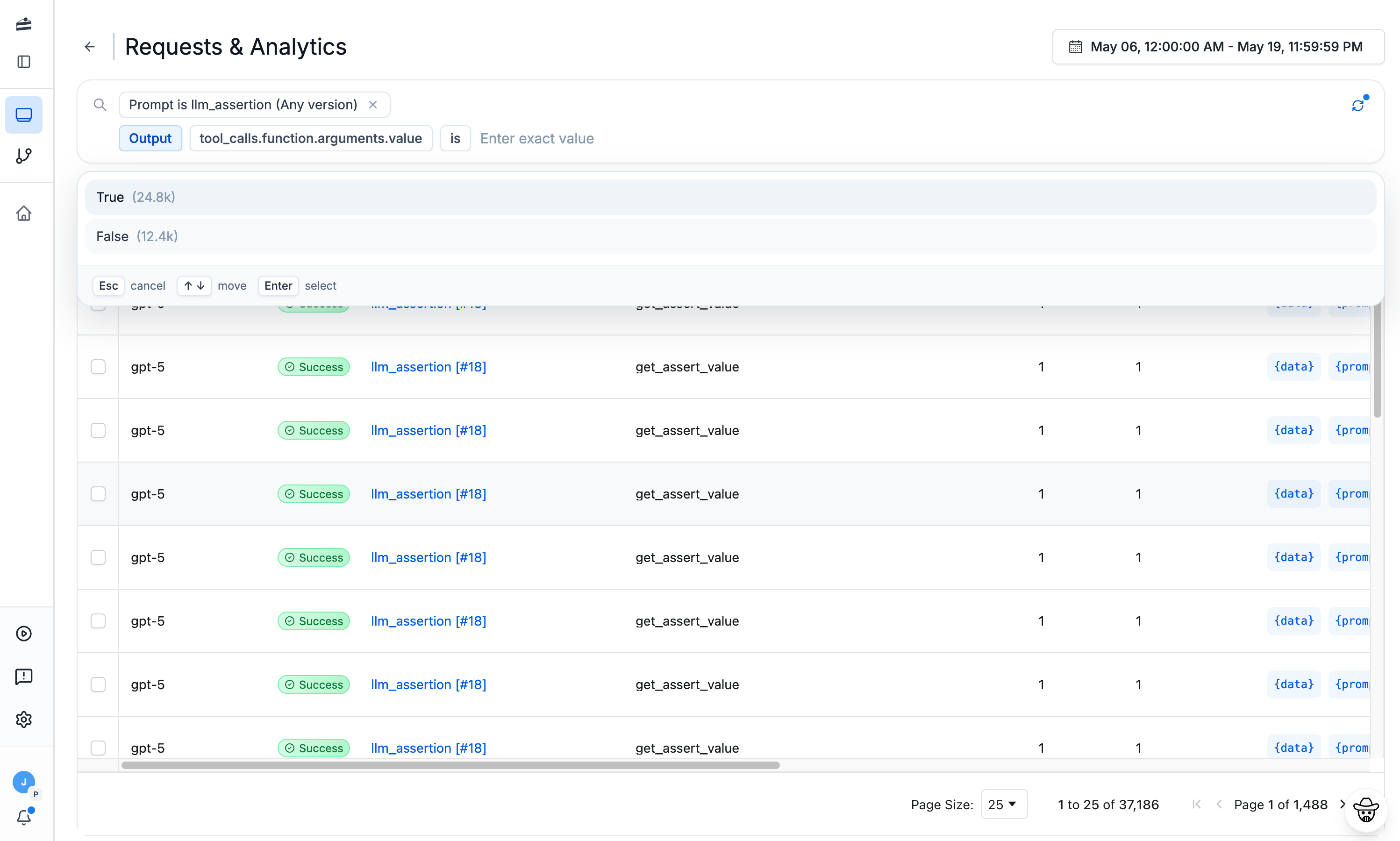
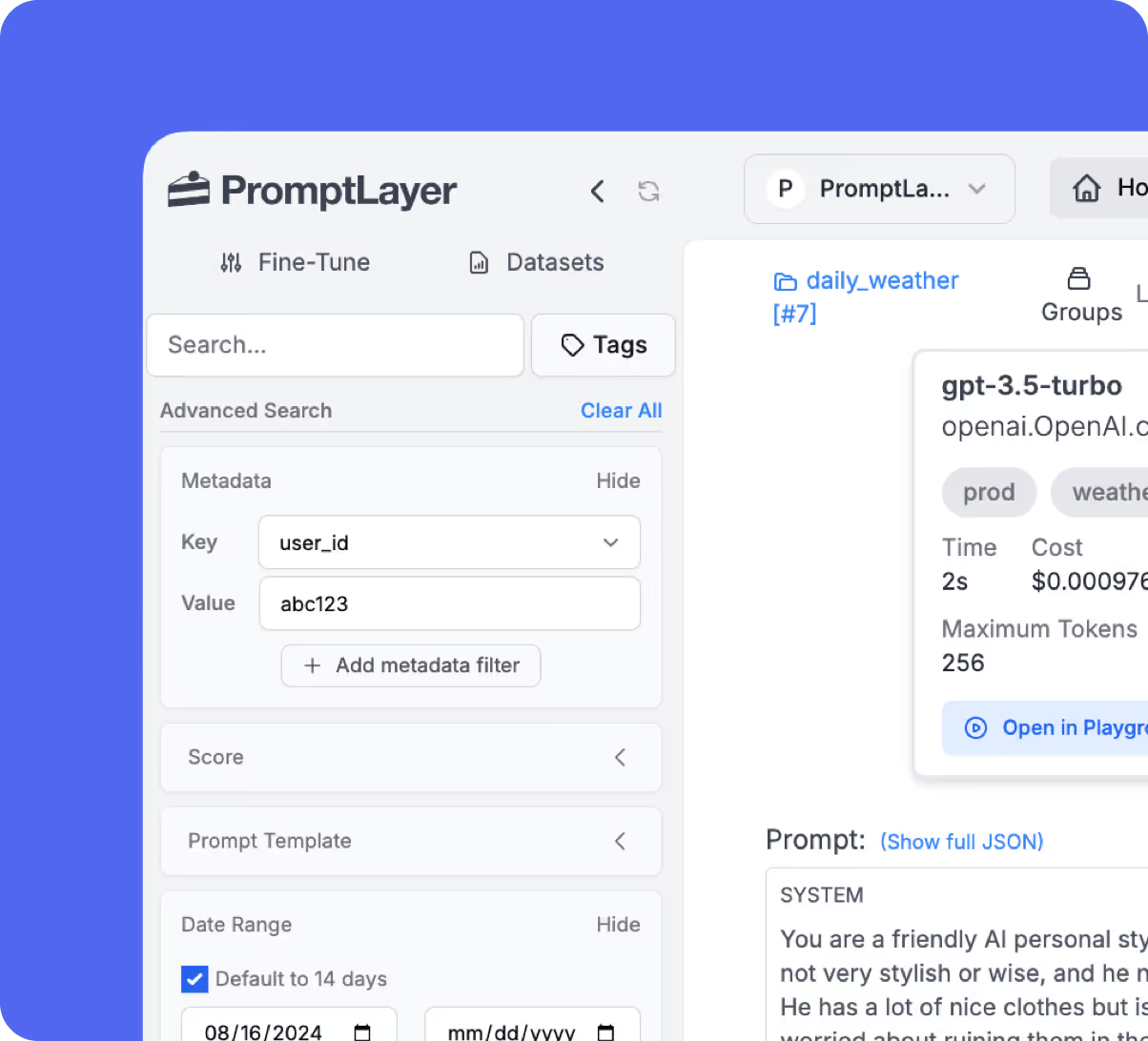
Tag, score, and search every request. Filter production traffic by content, model, status, or custom key-value pairs.
OpenTelemetry-native
LiveKit streams traces straight to PromptLayer's OTLP endpoint — no proxy in your request path, no SDK rewrite.
Debug in the playground
Open any LiveKit trace in the Playground to reproduce, tweak, and fix the exact prompt that failed.
Turn traces into evals
Promote real LiveKit runs into versioned datasets and run evaluation pipelines to catch regressions.
LLM Observability
Understand what your LiveKit app is doing
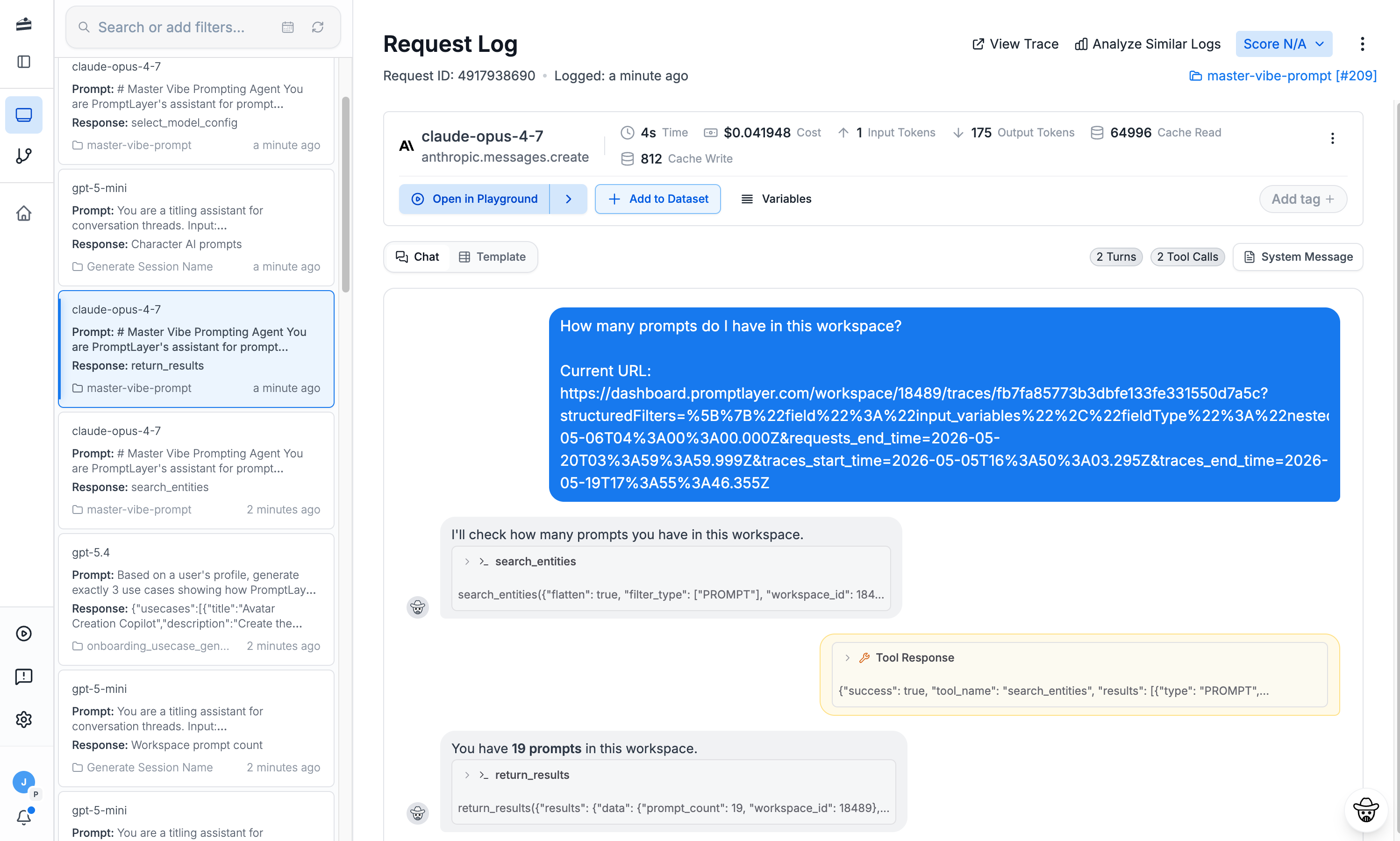
LiveKit powers real-time voice agents. PromptLayer records each session as a structured trace, so you can see exactly which turn caused a conversation to go wrong.
See the full picture
Every LiveKit run becomes a searchable, replayable trace — inputs, outputs, models, and timing.
Find the bottleneck
Pinpoint the slow span or expensive model call dragging down your LiveKit pipeline.
Catch failures fast
Surface errors, failed tool calls, and low-quality outputs before your users do.
Ship with confidence
Connect traces to evaluation pipelines so every change to your LiveKit app is tested.
Frequently asked questions
If you still have questions feel free to contact us at sales@promptlayer.com