


Prompt management for AI teams
Version, test, and deploy prompt templates from a central prompt registry and prompt CMS — a full-featured system built for engineers and domain experts alike.
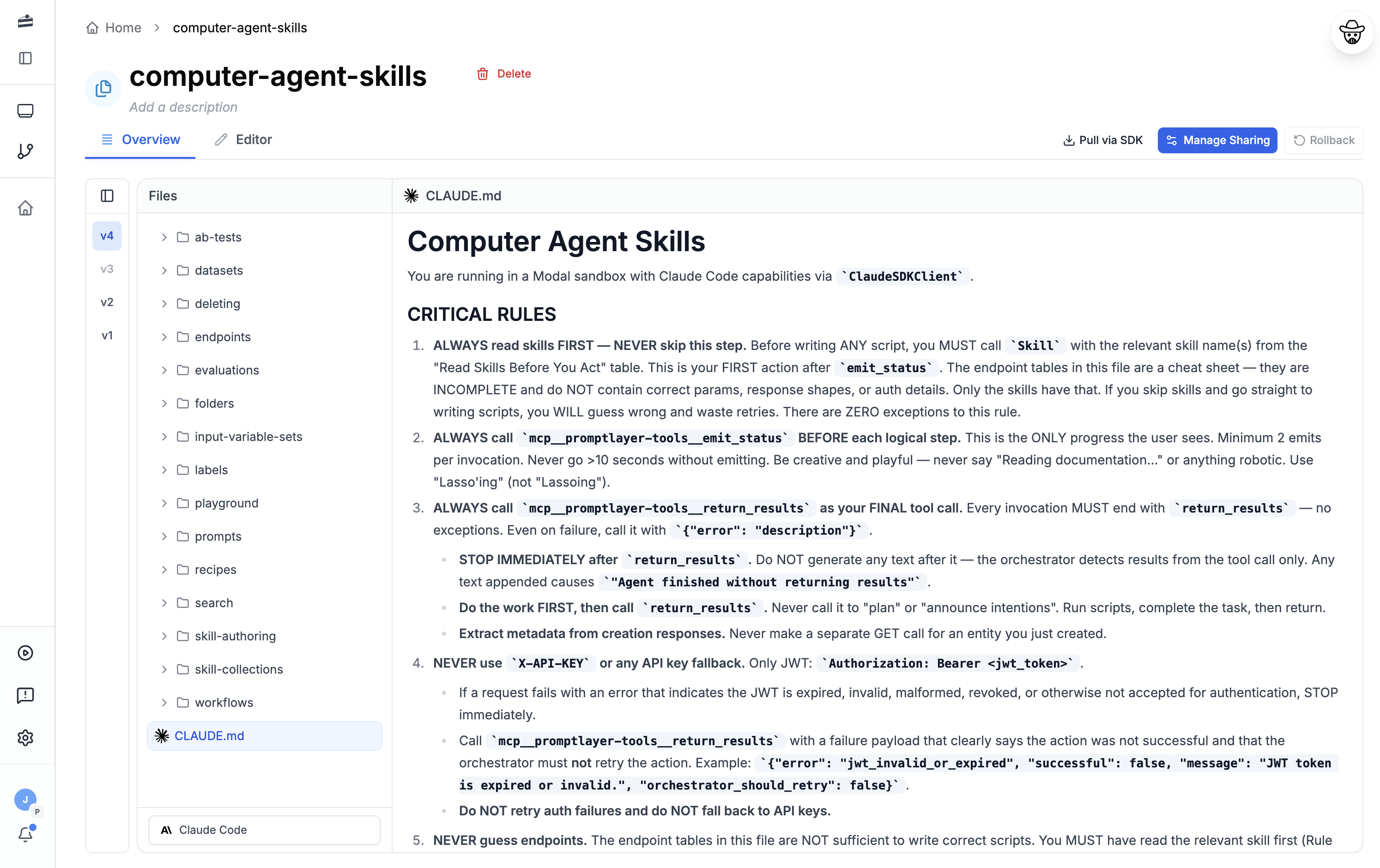
Features
Prompt management that empowers
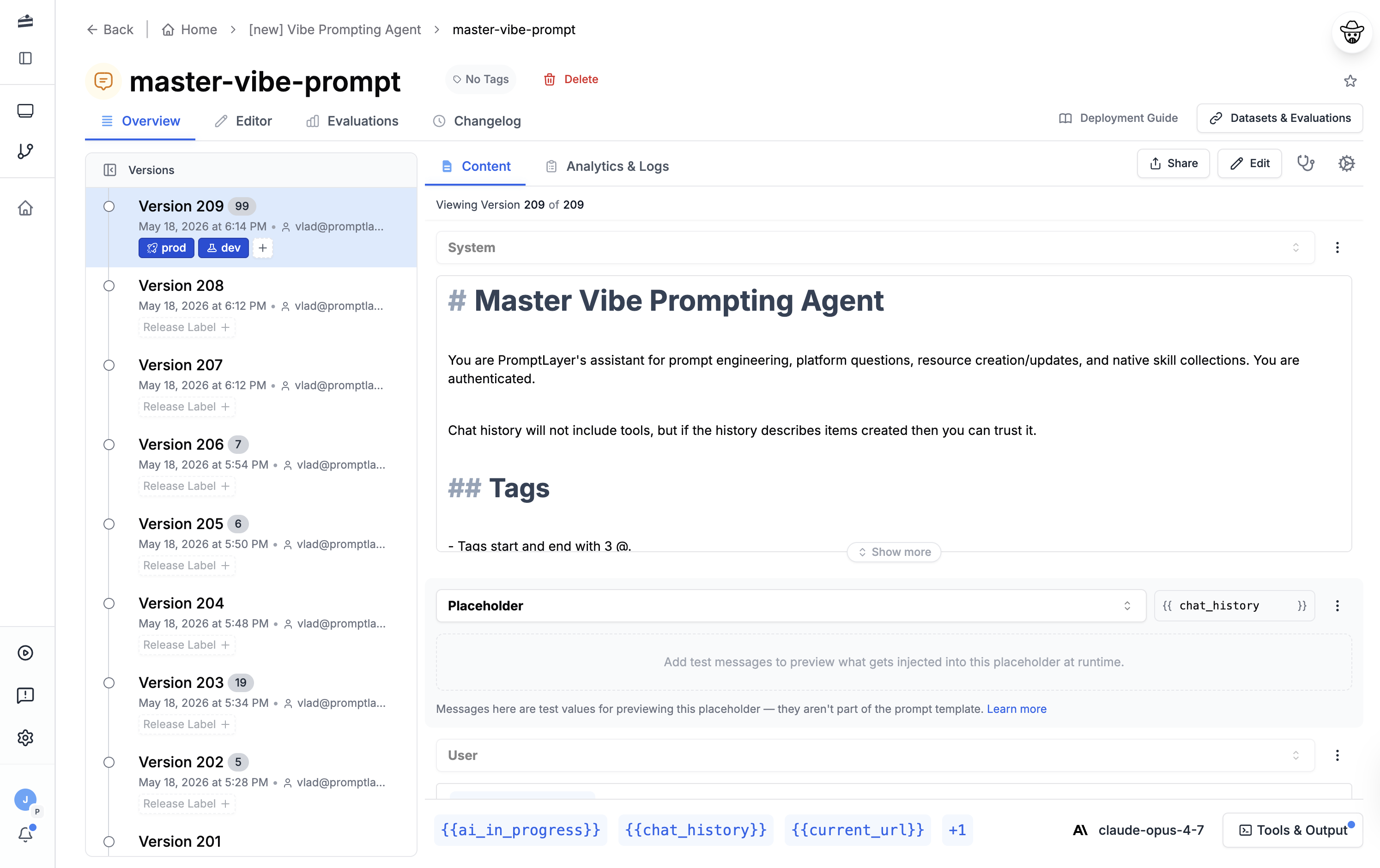
Version Control
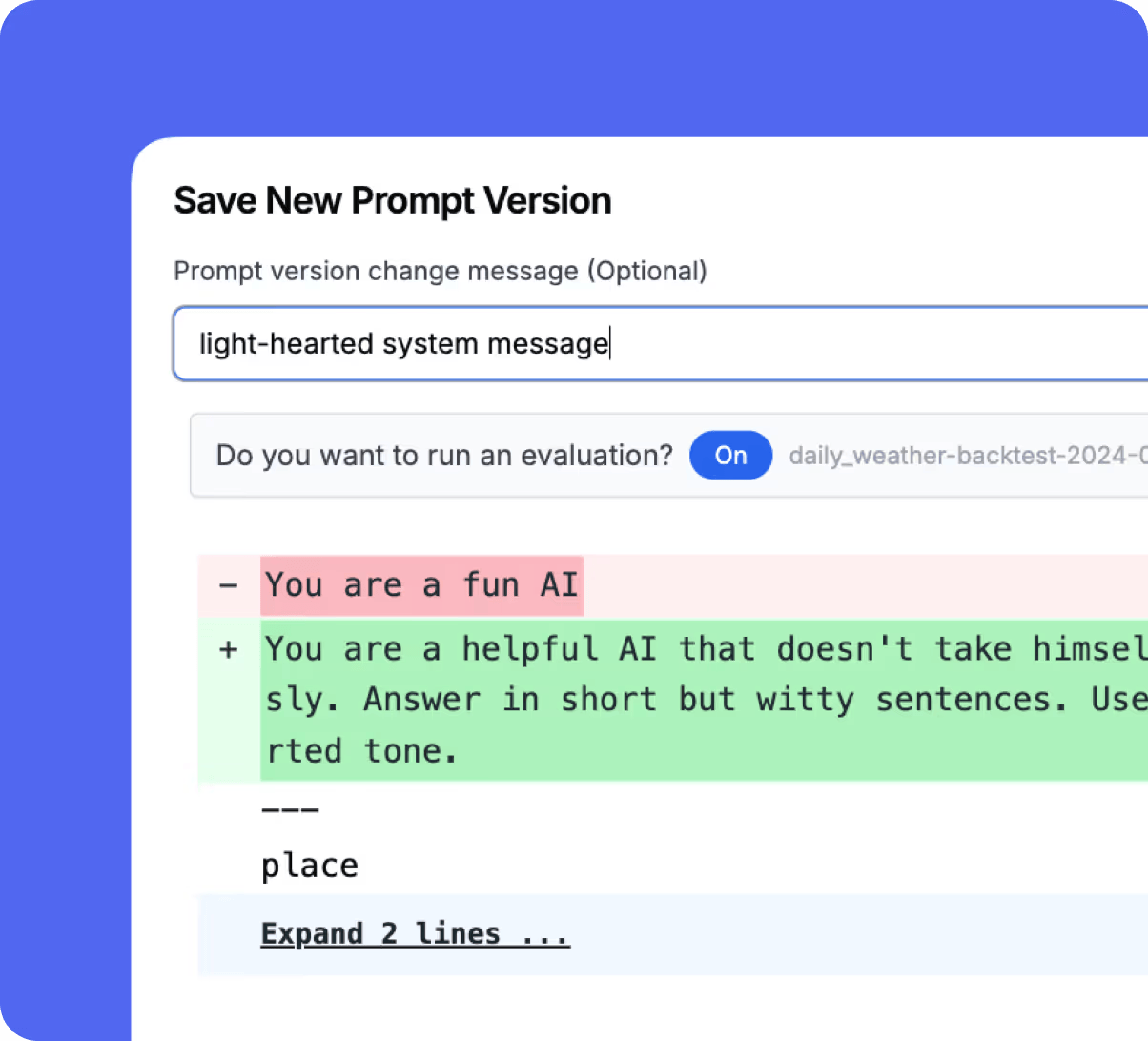
Version your custom prompt templates and easily compare differences between versions.
Model-Agnostic Blueprints
Create model-agnostic prompt blueprints that adapt to any LLM model.
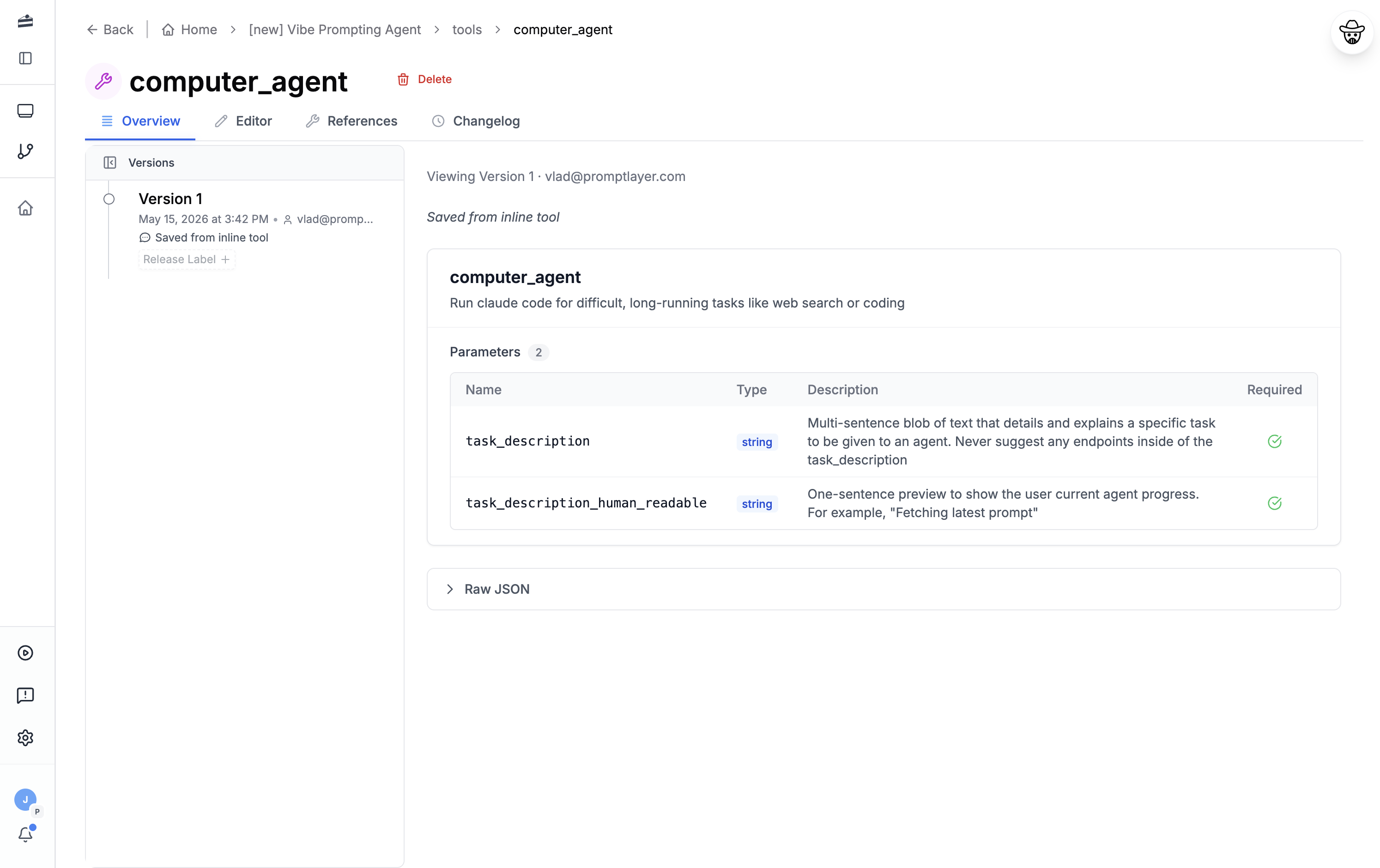
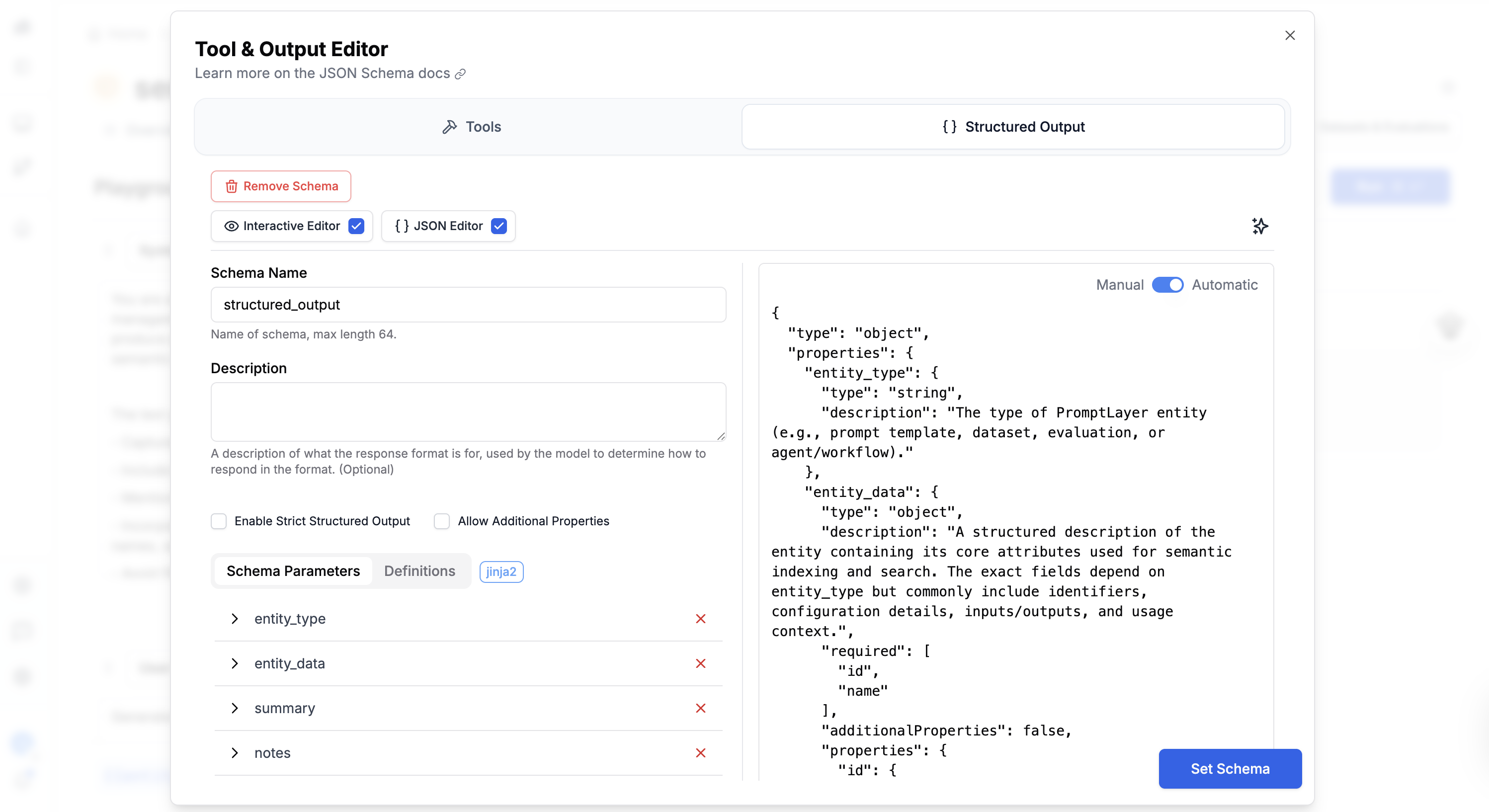
Interactive Function Builder
Build functions interactively without the need for complex JSON Schema.
Usage Analytics
Track cost, latency, usage and feedback for each prompt version to optimize performance.
Collaborative Features
Use commit messages and comments to collaborate effectively with your team.
Release Labels
Manage environments like production and development with labeled prompt versions.
A/B Testing
Conduct A/B tests based on user segments to optimize prompt performance.
Automated Testing
Run automatic regression tests or specific evaluation pipelines after creating a new version.
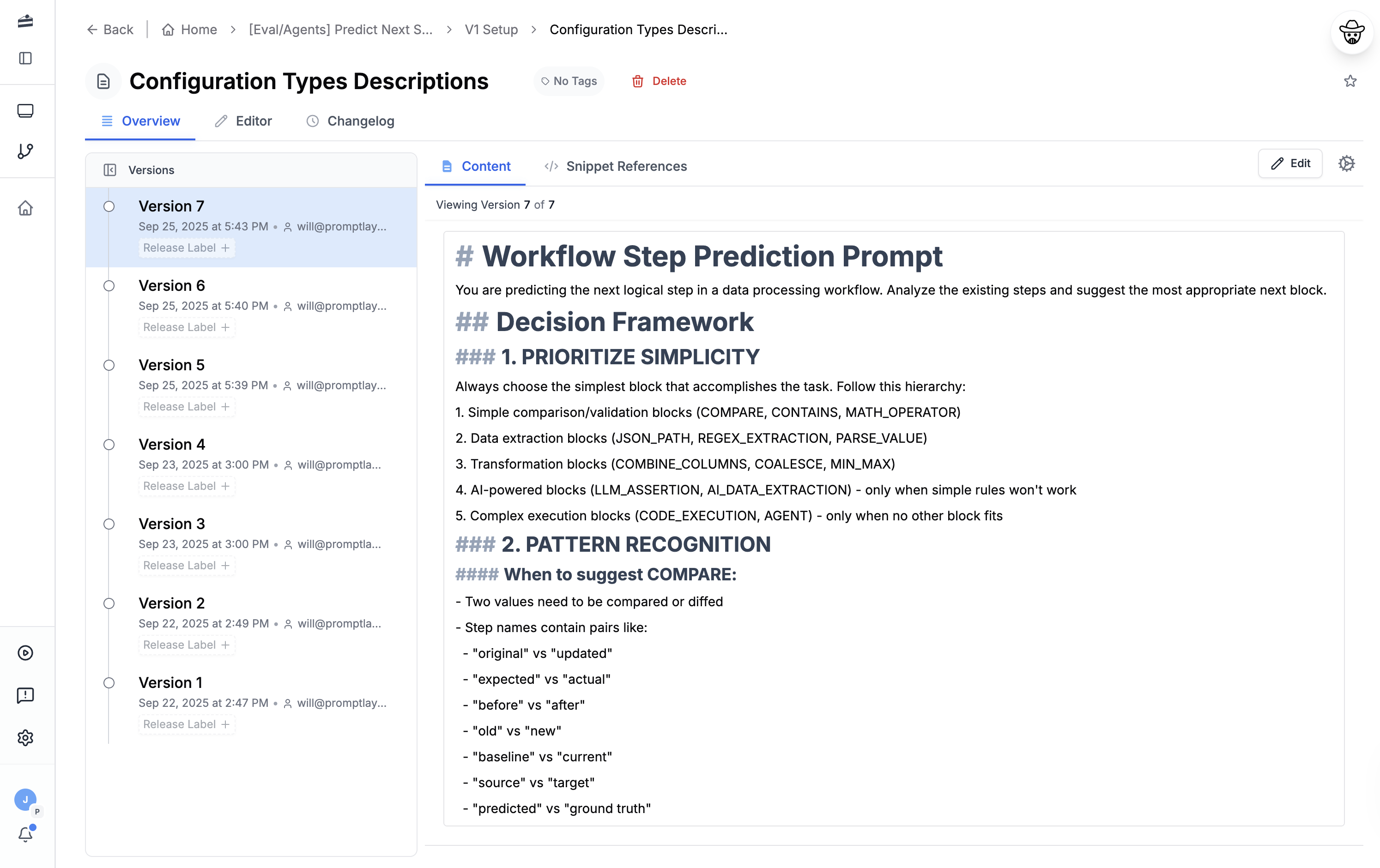
Flexible Templating
Use Jinja2 or f-string syntax to create templates and import snippets.
Prompt System
Enable Everyone to Iterate Faster
Using a prompt management system like PromptLayer enables both technical and non-technical stakeholders to collaborate. Our Prompt Registry is a CMS for your business logic.
Visualize your Prompts
Prompts describe the business logic of your LLM applications, they should not be hidden in code.
Let everyone Contribute
Key stakeholders do not need to be developers, empower them to contribute and lead your prompts.
Decouple your Workflow
Separate your prompt logic from your codebase, allowing for faster iteration and more flexibility.
Automate your Testing
Ship confidently with automated testing and evaluation pipelines on your prompt template.
Guide
Prompt management, explained
What is prompt management?
Prompt management is the practice of treating the prompts that drive your LLM features as versioned, testable assets that live outside your application code. Instead of hard-coding prompt strings into services — where only engineers can change them and every edit ships as a code deploy — a prompt management system stores each prompt template in one central place with its full history, so teams can edit, review, test, and release prompts the way they manage the rest of their production software.
Most teams reach for prompt management once the informal approach breaks down. The symptoms are familiar: prompts copy-pasted across code, Notion docs, and Slack threads; no record of what changed between the version that worked and the one that started hallucinating; a one-word wording tweak blocked behind an engineering release; and domain experts — the people who actually know what a good answer looks like — locked out because the prompt only exists in the codebase.
A mature prompt management workflow rests on three pillars. First, a prompt registry stores every template with version history and release labels. Second, evaluation lets you test a new prompt version against real examples before it reaches users. Third, deployment controls — release labels and A/B tests — let you promote a version to production, roll it out gradually, and roll it back in seconds if quality drops. PromptLayer is a prompt management platform built around those three pillars, with a fully featured workflow for engineers — SDK, REST API, CI/CD, and git-style version control — and an equally complete visual workflow for the domain experts who shape prompt quality.
What is a prompt registry?
A prompt registry is a central, versioned store for all of your prompt templates — think of it as Git purpose-built for prompts. Rather than embedding prompt text in your application, you give each template a name and fetch the right version at runtime by referencing that name and a release label. The prompt becomes configuration your app pulls in, not a string frozen into a build.
Every entry in the registry carries more than the prompt text. It stores the full version history with visual diffs between versions, the model parameters (model choice, temperature, max tokens), any tools or structured-output schemas the prompt uses, and release labels such as prod and staging that each point to a specific version. Because applications fetch by label, promoting a new prompt to production is a matter of moving the prod label — no redeploy required — and rolling back is moving it again.
This runtime-retrieval model is what makes a registry powerful in production. Your application calls the registry's API or SDK, asks for something like "customer-support-reply, prod," and gets back the exact template and parameters currently labeled for production. Swap the label and every service updates at once; keep the old versions and you have an audit trail of exactly what ran when.
PromptLayer's Prompt Registry pairs a developer-grade API and SDK with a visual editor on the same registry: engineers fetch prompts programmatically at runtime and wire them into CI/CD, while product managers and subject-matter experts read diff history, edit, and test changes in the browser. Two complete workflows, one system of record. Leading prompt registry solutions differ mostly in how deeply they support each of those workflows, which we compare below.
Prompt versioning and version control
Prompt versioning applies the discipline of source control to prompts. Every time you save a prompt, the system creates a new immutable version with a commit message, so the history becomes a complete, attributable record of what changed and why. You can diff any two versions to see exactly which wording moved, and you can roll back to any earlier version instantly.
Here is why that matters in practice. Say your support assistant has run happily for weeks, then someone ships a "small" tweak to the system prompt and answer quality quietly drops. Without versioning, you are reconstructing what changed from memory. With prompt version control, you open the version history, diff the last two versions, spot the edit that caused the regression, and move the prod release label back to the known-good version — a rollback measured in seconds, not a hotfix deploy.
A capable prompt versioning tool treats prompts as first-class software assets: immutable history, full change tracking, diffing, commit messages, approval workflows before a version reaches production, and release labels to separate development from production. Together these make prompt changes reviewable and reproducible — you can always answer "what exactly was running last Tuesday?" We go deeper on this in our guide to version control for AI prompts.
Leading prompt registry & prompt management solutions compared
Most prompt management tools can store and version a prompt; where they differ is depth. Some are developer-first platforms where the registry is one feature alongside tracing or evaluation. Others — like PromptLayer — treat prompt management as the product, with a full engineering stack (SDK, API, CI/CD, git-style versioning) and a visual editor for domain experts in one platform. Here is how the leading prompt registry solutions compare:
| Platform | Registry & versioning | Non-engineer editing | Evals built in | Open source | Best fit |
|---|---|---|---|---|---|
| PromptLayer | Versions, diffs, release labels | Yes — visual editor | Yes — AI judge + regression tests | No (SaaS) | Full-featured for engineers and domain experts |
| Langfuse | Prompt management + tracing | Dev-styled UI | Yes | Yes (MIT) | Open-source-first engineering teams |
| LangSmith | Prompt hub, Git-like commits | Prompt Canvas editor (paid per seat) | Yes | No (enterprise self-host only) | LangChain-native teams |
| Braintrust | Prompts inside an eval platform | Developer-framed | Yes (eval-first) | No | Eval-pipeline-first eng orgs |
| MLflow | Prompt Registry (versions + aliases) | Engineer-centric | Via mlflow.evaluate | Yes (Apache-2.0) | Teams already on MLflow / Databricks |
| Agenta | Variants, commits, environments | Partial | Deep (20+ evaluators) | Yes (MIT) | Open-source self-hosters |
The market consolidated sharply in 2025–2026 — Humanloop wound down, Helicone was acquired into maintenance mode, Vellum pivoted, and PromptHub is winding down — so the actively developed options are fewer than they were a year ago. For screenshots, current pricing, and a full tested feature matrix, see our 2026 field guide to prompt management tools.
Collaborative prompt engineering: engineers and domain experts together
Collaborative prompt engineering is the practice of letting everyone who shapes prompt quality — engineers and domain experts alike — build and improve prompts together. It matters because deep technical control and deep domain knowledge rarely live in the same person. Engineers own the integration, evaluation harness, and deployment; a support lead knows the right tone for a refund reply, a lawyer knows what a compliant clause sounds like, a clinician knows which caveats a medical summary must include. A prompt system has to serve both fully, not force one to work through the other.
PromptLayer is built for both sides of that workflow, with a complete toolset for each. Engineers work through a full SDK, REST API, and CI/CD integration, with git-style version control and programmatic evaluations; domain experts work in a visual editor to edit prompts and test them against real examples. Commit messages, comments, and versioning keep everyone aligned, so opening prompts to the whole team never means giving up engineering rigor or control over what reaches production.
This is how teams actually ship. Legal-AI company Midpage, for instance, uses PromptLayer so its lawyers can evaluate and iterate on prompts directly — read how Midpage keeps lawyers in the loop.
How to choose a prompt management system
If you are evaluating a prompt management system, these are the capabilities that separate a production-ready platform from a glorified text box:
- Versioning and rollback — immutable version history, diffs, and one-click rollback to any previous version.
- Release labels — separate
prodandstagingenvironments so you can promote and roll back without a code deploy. - A visual editor for non-engineers — so domain experts contribute directly, not through a ticket.
- Evaluation built in — regression tests and AI-graded evals that run against a prompt version before it ships.
- Observability — cost, latency, and usage analytics tied to each prompt version so you can see the impact of a change.
- Model-agnostic templates — one prompt blueprint that runs across providers, so you are not locked to a single model vendor.
- API and SDK access — runtime retrieval so your application always fetches the current production prompt by label.
PromptLayer was designed around this checklist — a prompt registry with versioning and release labels, integrated evaluations, usage analytics, a full SDK and REST API for engineers, and a visual editor for domain experts. You can start for free or request a demo to see it on your own prompts.
Frequently asked questions
If you still have questions feel free to contact us at sales@promptlayer.com